An editor, not a pipeline
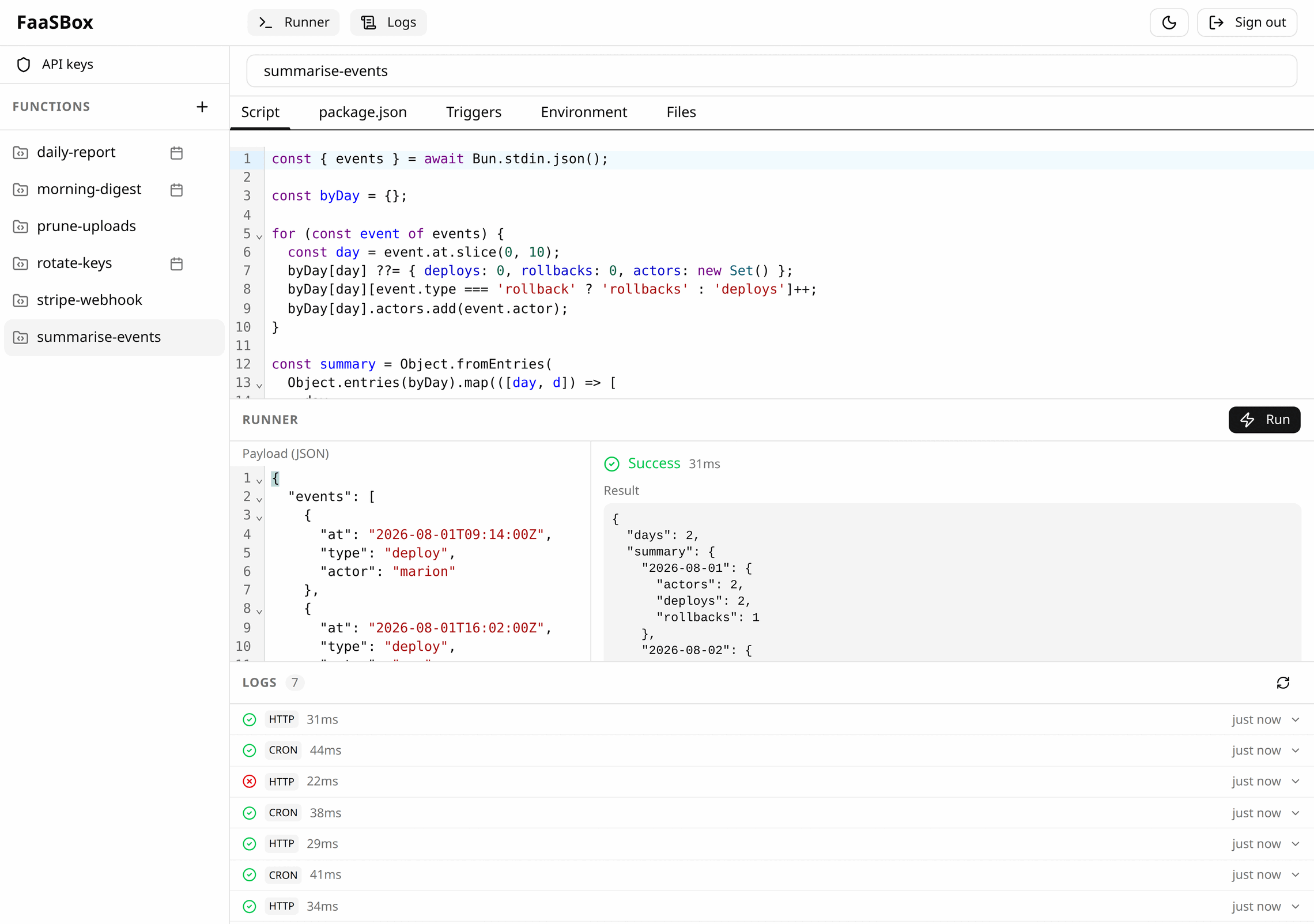
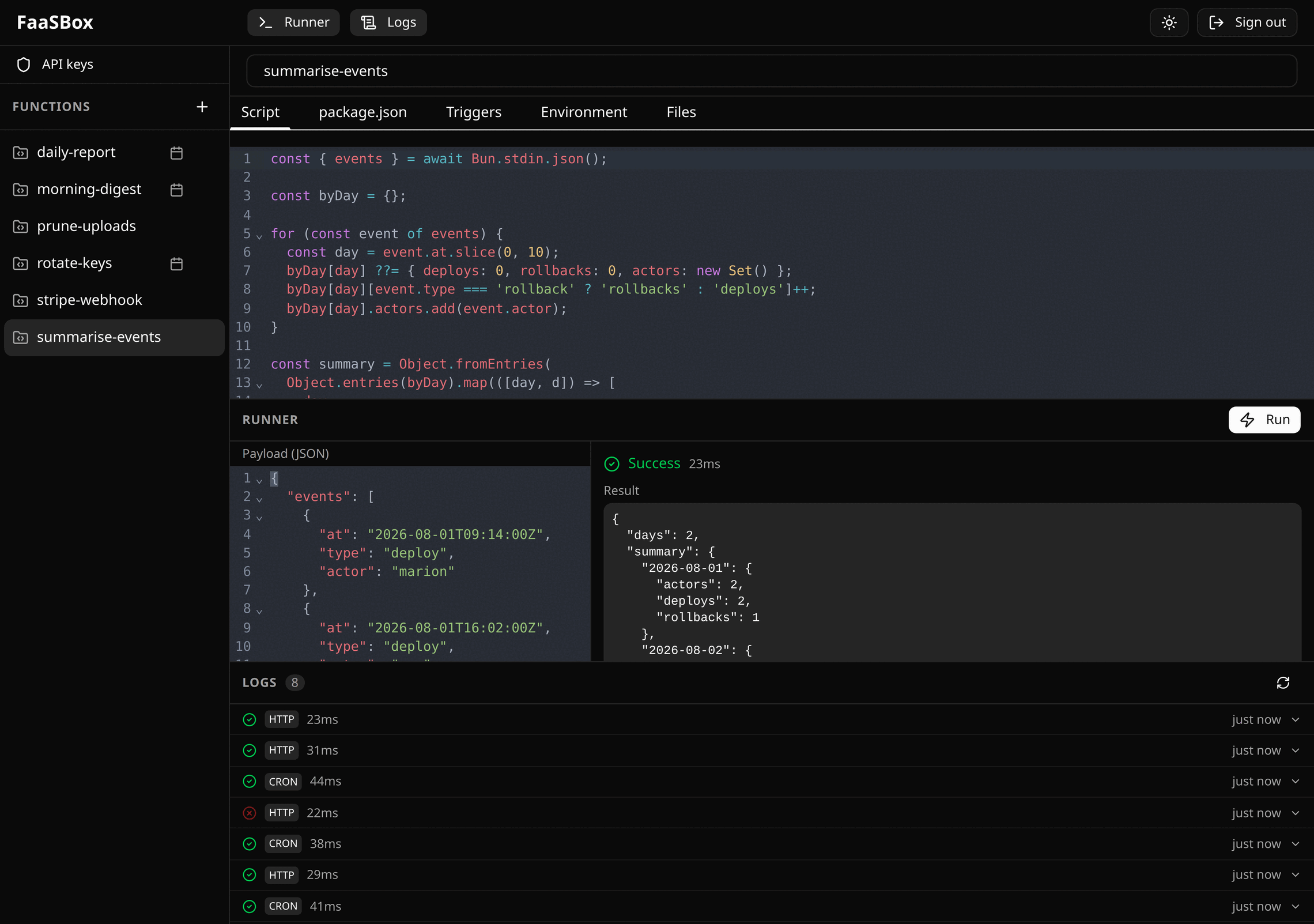
Five tabs per function: script, package.json, triggers, secrets, and the files its folder holds on disk. Run executes what the server holds; Save and run appears only when your screen differs from it.
Community Version · Open source
Write your functions in the browser, then call them over HTTP or put them on a cron schedule. Deploys as a single Docker container: one Go binary, one SQLite file, nothing else to install.
How it works
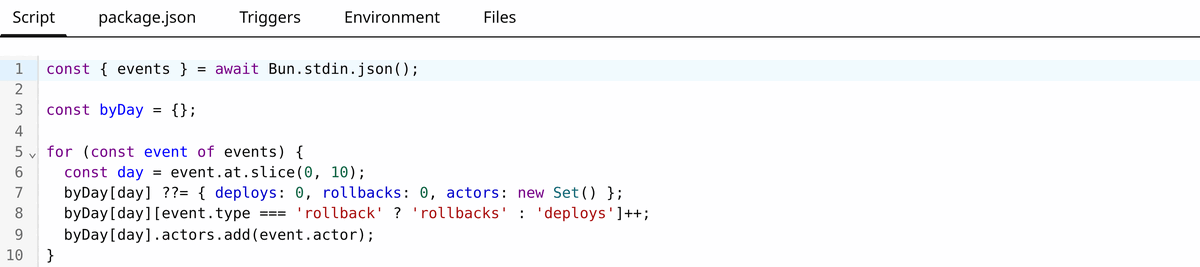
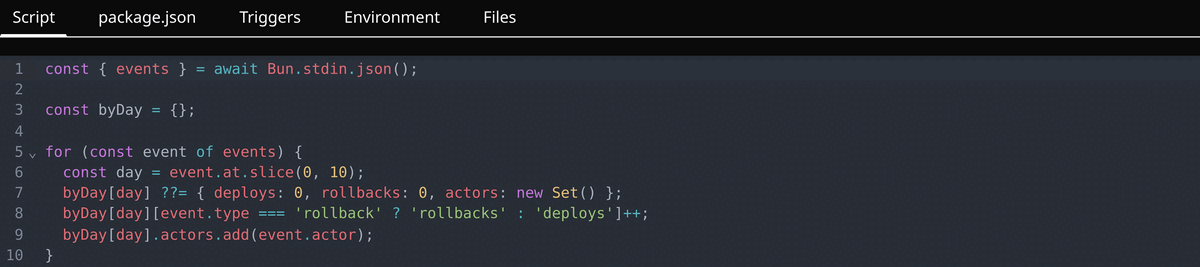
The code. Your function reads JSON on stdin and writes JSON on stdout. No framework, no handler signature to memorise, nothing to import.
package.json — optional. List your npm packages and save; the install runs on the server and you watch it from the tab — installing, then ready, or the tail of the failure if npm had something to say. There is nothing else to set up.


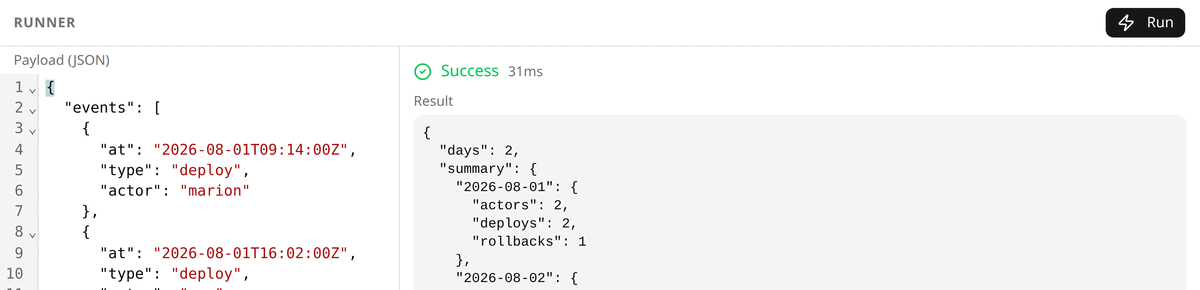
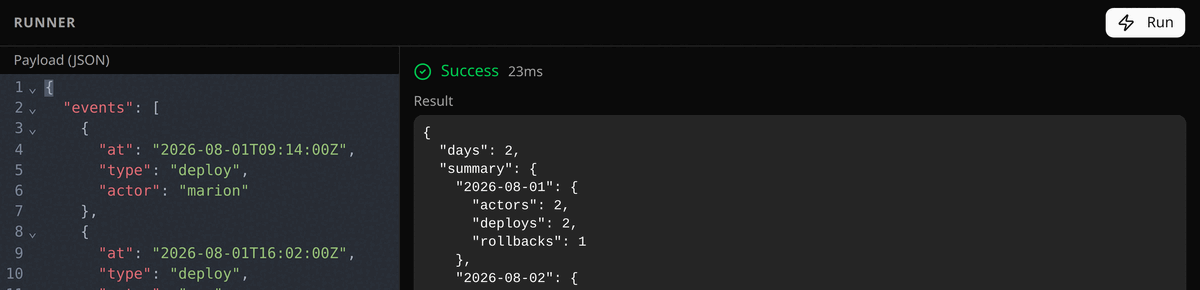
Run — one click executes the function and shows you its result, its output and its duration, without leaving the tab.
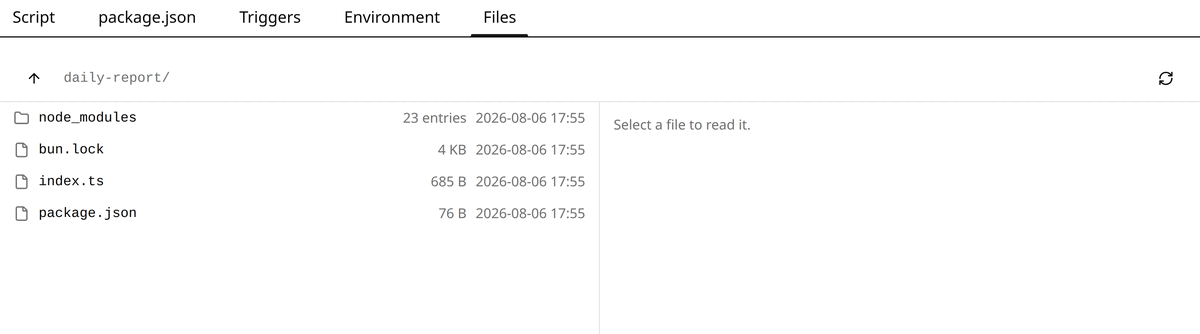
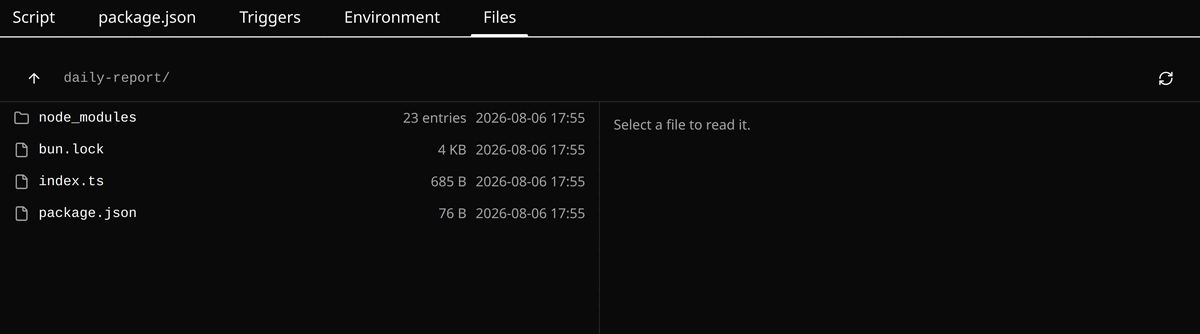
Files — the other tabs show what the database holds; this one shows what the machine has. The folder as it is on disk: your files, the lockfile, and the node_modules the install produced. Read-only, and the place to look when a version is not the one you expected.
Two ways to start a run, and a function can carry both at once.
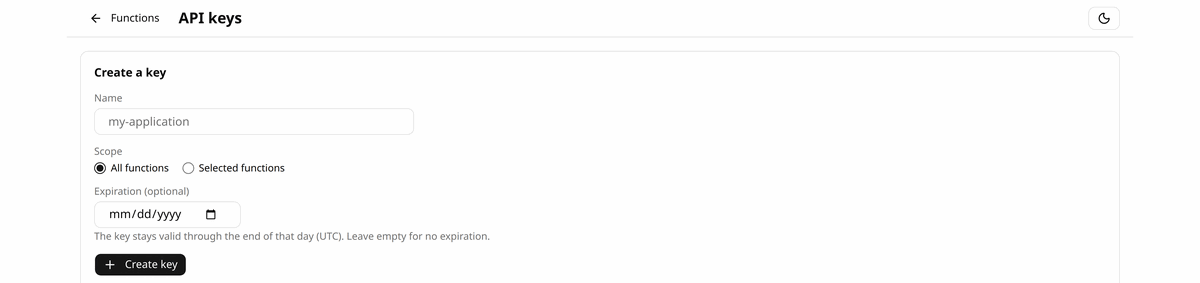
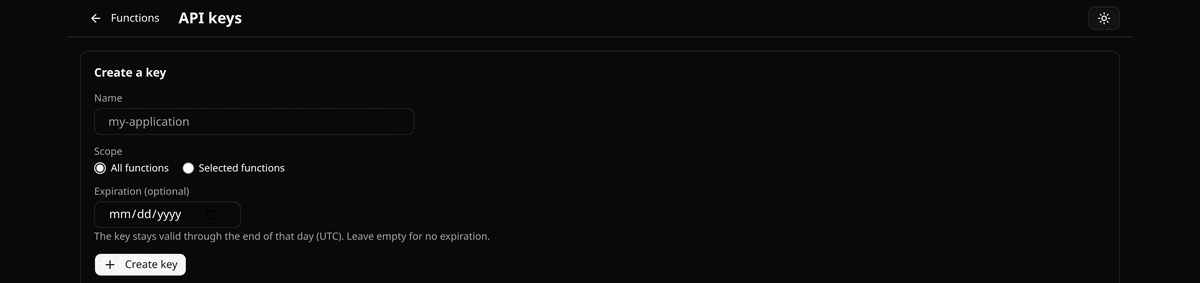
An HTTP call. POST /invoke/{name} with an API key, created on the API keys page. The request body becomes the function's stdin, and the response carries its result and duration. The editor prints that route under the name of the function you have open, with an example curl next to it: the whole call, ready to copy, the key left as a placeholder.
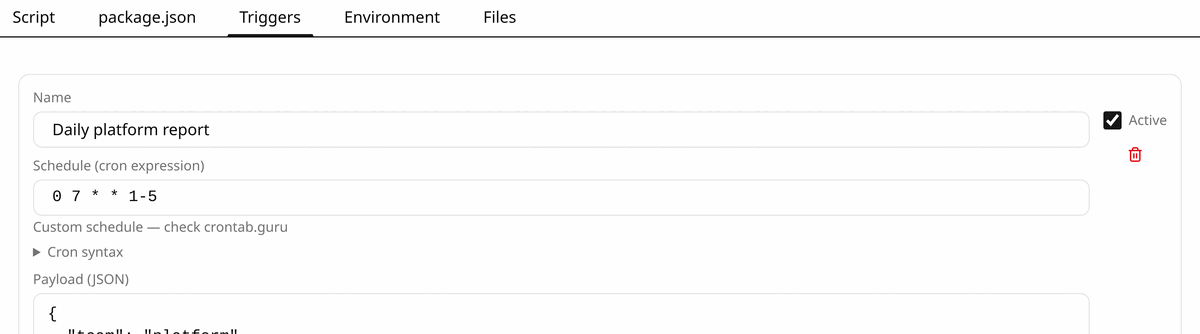
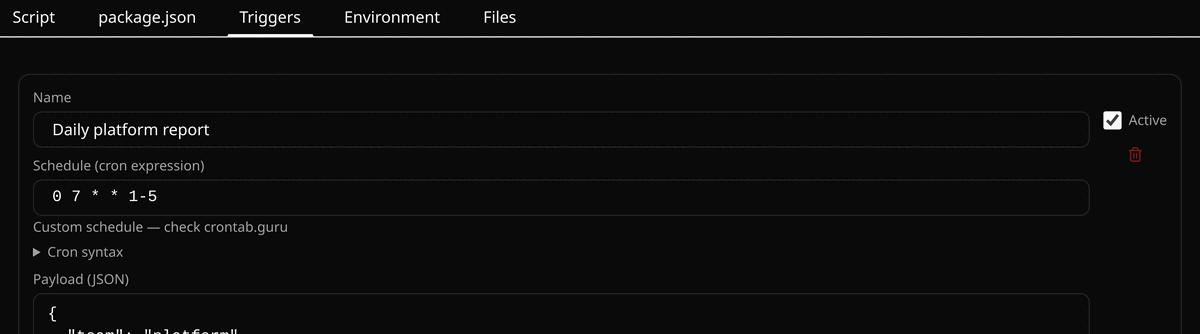
A cron schedule. Added in the Triggers tab: fifteen ready-made expressions, a free field, and a cap on concurrent runs. Changes take effect immediately — nothing restarts.
Every run records its trigger, status, duration, stdout, stderr, request payload and exit code. Including the runs that never happened: a schedule that came due while the server was down is logged as missed, with the count and the window. A key that may manage functions reads that history over the API too — the only way to see what a cron trigger did without the credentials of the instance itself.
AI agents
FaaSBox speaks MCP at POST /mcp. An agent that connects is handed the writing contract on the spot — payload on stdin, JSON result on stdout, the naming rule, the size caps, the cron format — so “here is a URL and a key, work it out” becomes “write me a function that emails me every morning”.
list_functions, get_function, create_function, update_function, delete_function, invoke_function and get_function_logs. Each takes the same code path as its HTTP route, so what an agent may do is exactly what its credential may do — refusals included.POST /mcp, on the instance you already deployed. No stdio variant: it would mean shipping an artifact and asking you to run a second runtime next to the first.Storage
SQLite. Functions, schedules, secrets, keys and logs all live in it, encrypted column by column. No database server to provision, and backing up the instance means copying one file.
replaced on every deploy
Litestream · optional
outlives the container
The disk underneath is not permanent. A container is replaced on every deploy and takes its filesystem with it. Litestream puts the file back before the server starts, so the container stays disposable and your data doesn't.
Or simply as a backup. Even on a server whose disk does survive, the same mirror is an off-site copy that is always current — no dump to schedule, no window during which the last hour is missing. What leaves the machine is ciphertext: keep the key elsewhere and a copy of that bucket opens nothing.
Leave it off and nothing else changes: FaaSBox runs from the local file alone, which is what you want on your own machine.
Your dependencies come back on their own, either way. node_modules is not in the file — it is a build artifact, and a heavy one. What is stored is the lockfile, so a fresh container reinstalls exactly the versions the old one ran, before the first call arrives rather than during it.
In the box
Five tabs per function: script, package.json, triggers, secrets, and the files its folder holds on disk. Run executes what the server holds; Save and run appears only when your screen differs from it.
An HTTP call and a cron tick take the same path: one Bun subprocess, the same environment, the same ceilings, the same log line. What differs is what happens when the box is busy — HTTP refuses with 429, a cron run waits its turn.
AES-256-GCM, column by column: your code, its package.json and lockfile, its triggers, the output of every run, and the secrets you edit as key/value pairs in the Environment tab. One key does all of it, FAASBOX_ENCRYPTION_KEY, and the server will not start without it. The two columns SQL has to look up are encrypted too, and searched through a keyed fingerprint beside them.
Hashed on creation, revealed once, optionally restricted to named functions and given an expiry date. Tick Can manage functions and the key writes them as well as calls them — create, read, replace, delete, and read their history, without the credentials of the instance. An expiry the server can't read is refused at creation rather than quietly dropped.
Trigger, status, duration, both streams, request payload, exit code, and a flag when something was truncated to fit. Readable from the editor, and over the API with a key that may manage functions. Retention is by row count, purged hourly.
Nothing runs unbounded: 30 seconds per run, 1 MB per request body, 1 MB captured per output stream, four concurrent runs. The sizes and the concurrency are defaults you change with an environment variable; the two timeouts are fixed. PocketBase's rate limiter is armed at every boot, so a third wrong password in a row answers 429 — it does not cover /invoke, which the concurrency ceiling bounds instead.
By design
Every decision below takes a moving part out. What is left behaves the same way every time, and you can reason about all of it at once.
Get started
docker run -d -p 8080:8080 \
  -e SUPERUSER_EMAIL=admin@example.com \
  -e SUPERUSER_PASSWORD='…' \
  -e FAASBOX_ENCRYPTION_KEY=$(openssl rand -hex 32) \
  -v faasbox-data:/app/data/pb_data \
ghcr.io/antoineviau/faasbox:latestlocalhost:8080/ — the editor. Sign in with the address and password from the command above; the account is created on first boot.
localhost:8080/_/ — the PocketBase admin underneath, if you ever want the raw collections.
Go 1.24+, Bun and Node.js, then bash infra/dev/dev.sh builds the editor and starts the server.